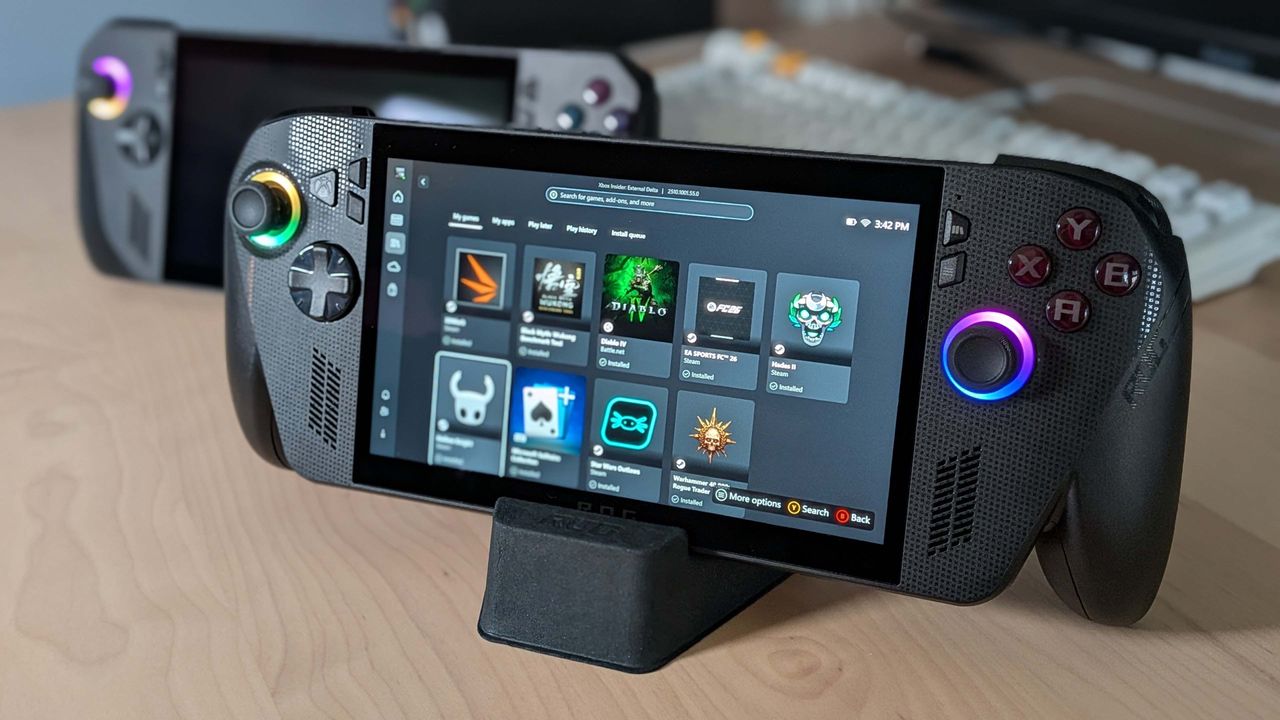
Pearl Abyss says to roll back your GPU driver if you're struggling to get Crimson Desert working on your ROG Xbox Ally X
๐Ÿ–ฅ PCNews
#Handheld Gaming PCs#Hardware

Pearl Abyss says to roll back your GPU driver if you're struggling to get Crimson Desert working on your ROG Xbox Ally X

PC Gamer RSS Feedโœ Jacob Foxโฑ 2 min read(5 months ago)

Overview & Key Takeaways

Though a fix is seemingly in the works.

Crimson Desert is one of those games that seems to be able to wrangle together all kinds of disparate gamers to attempt to master the bizarre behemoth of a multi-tool RPG. So it's a little unfortunate that it has had far from perfect hardware support. We witnessed the game's lack of Intel Arc support ourselves, and now Pearl Abyss and Asus are saying ROG Xbox Ally X devices might need to roll back their drivers to launch the game.

In its list of known issues, the game developer and publisher, Pearl Abyss, says: "We have identified an issue where Crimson Desert is not launching properly on ROG Xbox Ally X running on the latest driver version. Microsoft and AMD are currently looking into the issue. Until the issue is resolved, we recommend installing and using the driver version immediately prior to the latest one, available on the Asus website."

Asus reiterates the same and provides a download link that, uhh, doesn't work. If you want to download the driver to roll it back, go to the ROG Xbox Ally X driver and tools page, scroll down to Graphics, click See All Downloads, and download the driver Version V32.0.21025.27003.

It's never a nice feeling to have to roll back your drivers, but Pearl Abyss assures us that this is only until the issue is resolved. And if a driver rollback really does work to get the game launching on the Microsoft-Asus handheld, there's good reason to think it can get up and running on the latest drivers with a little work, too.

(Image credit: Future)

Hopefully, these compatibility issues will be resolved quickly. And ditto the Intel Arc ones, given after the initial issues were spotted, Pearl Abyss said it will work on bringing support for the GPUs to the game, and Intel told us it "remains ready to assist Pearl Abyss however we can."

Even if the game does work on your hardware, although general performance seems to be smooth, plenty of people have reported that the game is a little graphically glitchy, blurry, and so on. In which case, I suppose it's good news that the devs are actively working on improving things.

Best handheld PC 2026
Share:

More in PC

Onimusha: Way of the Sword - Stout Pillar locations๐Ÿ–ฅ PlayStation, Nintendo Switch, Xbox, PC

Onimusha: Way of the Sword - Stout Pillar locations

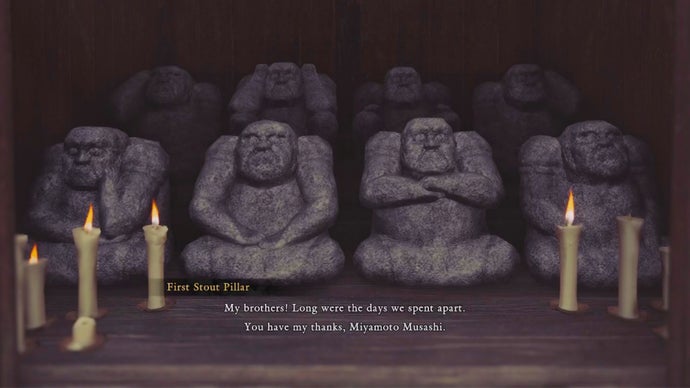
!(https://assetsio.gnwcdn.com/stout-pillars.jpg?width=690&quality=85&format=jpg&auto=webp) Early on in Onimusha: Way of the Sword(https://www.rockpapershotgun.com/games/onimusha-the-way-of-the-sowrd), you'll be tasked with finding three sentient idols that have been stolen from Hachidai Rikison Shrine in eastern Kyoto. These idols, dubbed the Stout Pillars, are hidden in different spots around the city, and you'll need to track them down in order to finish the "Careful What You Wish For" quest. In this guide, we'll reveal the locations of the three Stout Pillars and tell you everything that you need to do in order to locate all of them and advance the quest. Read more(https://www.rockpapershotgun.com/onimusha-way-of-the-sword-stout-pillar-locations)

RockGuides / Walkthroughsabout 5 hours ago
Onimusha: Way of the Sword - All bosses๐Ÿ–ฅ PlayStation, Nintendo Switch, Xbox, PC

Onimusha: Way of the Sword - All bosses

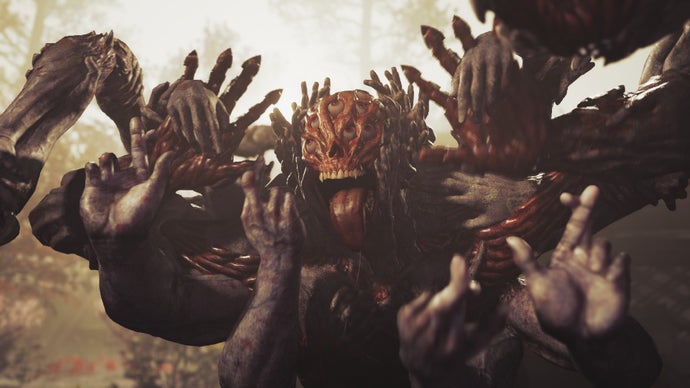
!(https://assetsio.gnwcdn.com/rasho-gan.jpg?width=690&quality=85&format=jpg&auto=webp) Onimusha: Way of the Sword(https://www.rockpapershotgun.com/games/onimusha-the-way-of-the-sword) marks the triumphant return of Capcom's samurai action franchise after a twenty-year hiatus, with all of the hallmarks that it possessed back in the PlayStation 2 days, including fast action, Issen counterattacks, and plenty of screen-filling bosses. Miyamoto Musashi will need every ounce of his wits and skill to beat these contenders, many of whom are dangerously fierce and reminiscent of Soulslike opponents, even though Way of the Sword is more of a traditional hack 'n slash action adventure game. Way of the Sword offers two difficulty modes upon startup, including a Story Mode that will let you decimate most enemies in your path. But on Action Mode, none of these bosses are a walk in the park, and some will even be a challenge on Story Mode. To help Musashi rise supreme against all contenders, we've got you covered with our comprehensive list of all bosses in Onimusha: Way of the Sword, along with strategies for beating them. Read more(https://www.rockpapershotgun.com/onimusha-way-of-the-sword-all-bosses)

RockGuides / Walkthroughsabout 5 hours ago
Onimusha: Way of the Sword - How to get Power Stones๐Ÿ–ฅ PlayStation, Nintendo Switch, Xbox, PC

Onimusha: Way of the Sword - How to get Power Stones

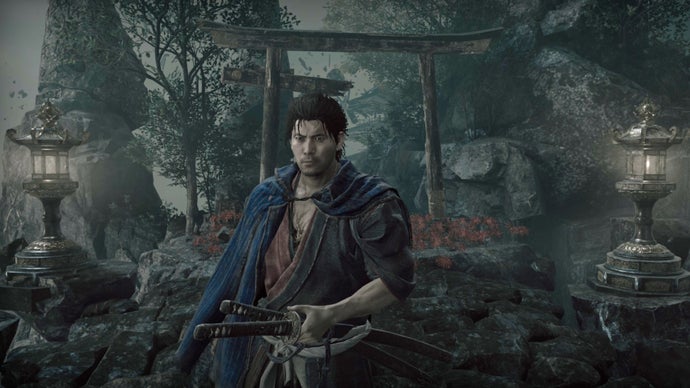
!(https://assetsio.gnwcdn.com/musashi-standing-by-shrine.jpg?width=690&quality=85&format=jpg&auto=webp) Power Stones in Onimusha: Way of the Sword(https://www.rockpapershotgun.com/games/onimusha-the-way-of-the-sword) are one of the most important currency types you can get. You need Power Stones to unlock most of Musashi's major skills. And yet for all their significance, Way of the Sword never tells you where or how to find them. There are two main ways of getting Power Stones. One is largely outside your control, as it happens naturally while you progress the story. The other takes a bit of tracking down, and careful exploration of each level outside of the central Kyoto hub. In this guide, we'll explain how to get Power Stones in Onimusha: Way of the Sword and what to look out for while you're searching for treasure. Read more(https://www.rockpapershotgun.com/onimusha-way-of-the-sword-how-to-get-power-stones)

๐ŸŽฎ Control
RockGuides / Walkthroughsabout 5 hours ago