How to turn off car damage in Forza Horizon 6
Overview & Key Takeaways
A guide explaining how to turn car damage off in Forza Horizon 6, along with the different options available.
If you know how to turn off car damage in Forza Horizon 6, you can smash through as many trees, fences, and competitors as you like because your car will come out of the other side without a scratch. Despite racing games usually encouraging players to avoid collisions, in Forza Horizon 6, it's the opposite: breaking the destructible environment rewards you with skill score, so go to town.
Here's a quick rundown on how to turn off car damage in Forza Horizon 6 and what the different options mean.
How to turn off car damage in Forza Horizon 6
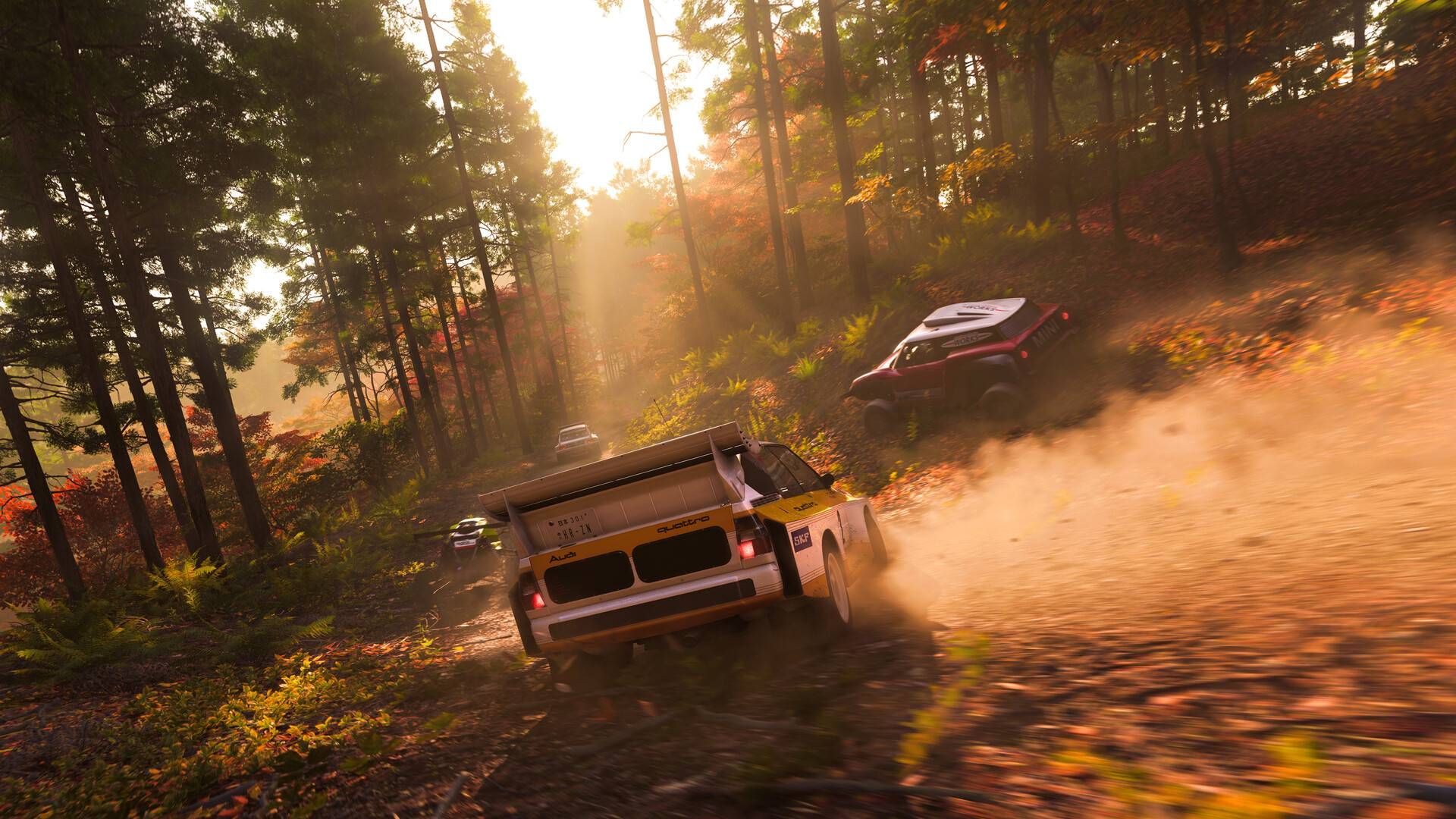
 Image: Playground Games/Xbox Game Studios via Polygon
To turn off car damage in Forza Horizon 6**, you just need to pause the game, click "Settings," then under the "Difficulty" tab, scroll down to "Damage & Tire Wear."** Press left once to turn damage off completely.
However, by default, the game is set to cosmetic damage only. This means that while the exterior of your car will show visible damage, it won't impact your car's performance. After a few minutes barreling through the forests of Japan, it may emerge looking like it's lost a fight with a scrapyard.
If you want to make Forza Horizon 6 more difficult, toggle "Damage & Tire Wear" to simulation instead. This means that both your tires and engine can be destroyed, and the more you collide with things, the worse your vehicle will perform. It's pretty brutal, too: after one head-on collision with a wall, my Mazda MX-5 Miata Forza Edition, which is one of the fastest cars and and one of the best drag cars in the game, wouldn't stop turning left. Not ideal.