Latest Pc, multi-platform Game News & Updates
☁ Pc, multi-platform News
445 articles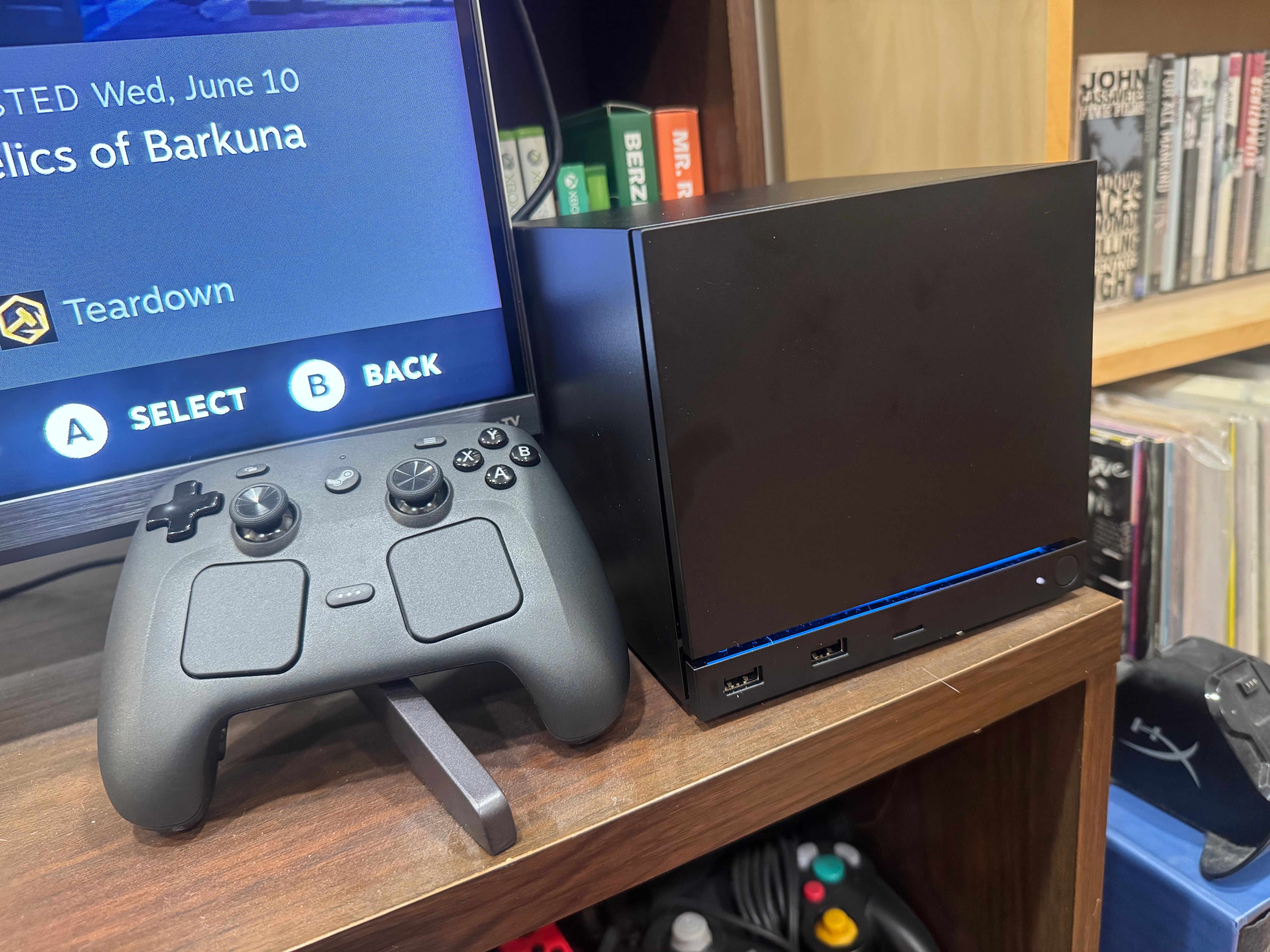 🖥 PlayStation, PC, Multi-platform
Steam Machine vs. PS5: 5 things Valve's PC can do that consoles can't
The Steam Machine is a pricey proposition compared to a PS5, but some perks do help sweeten a tough deal.
 🖥 Xbox, PC, Multi-platform
Riot now lets you enable its anti-cheat when you want to
If League of Legends and Valorant players have the right hardware and elect to opt into "pre-boot security mechanisms and Windows' own native protection features," then, starting today, they can switch the Vanguard anti-cheat software from always-on to one that's "on demand." With "Vanguard Pre-Check," the kernel-level driver won't launch when your system does, according &8230;
 🖥 PC, Multi-platform
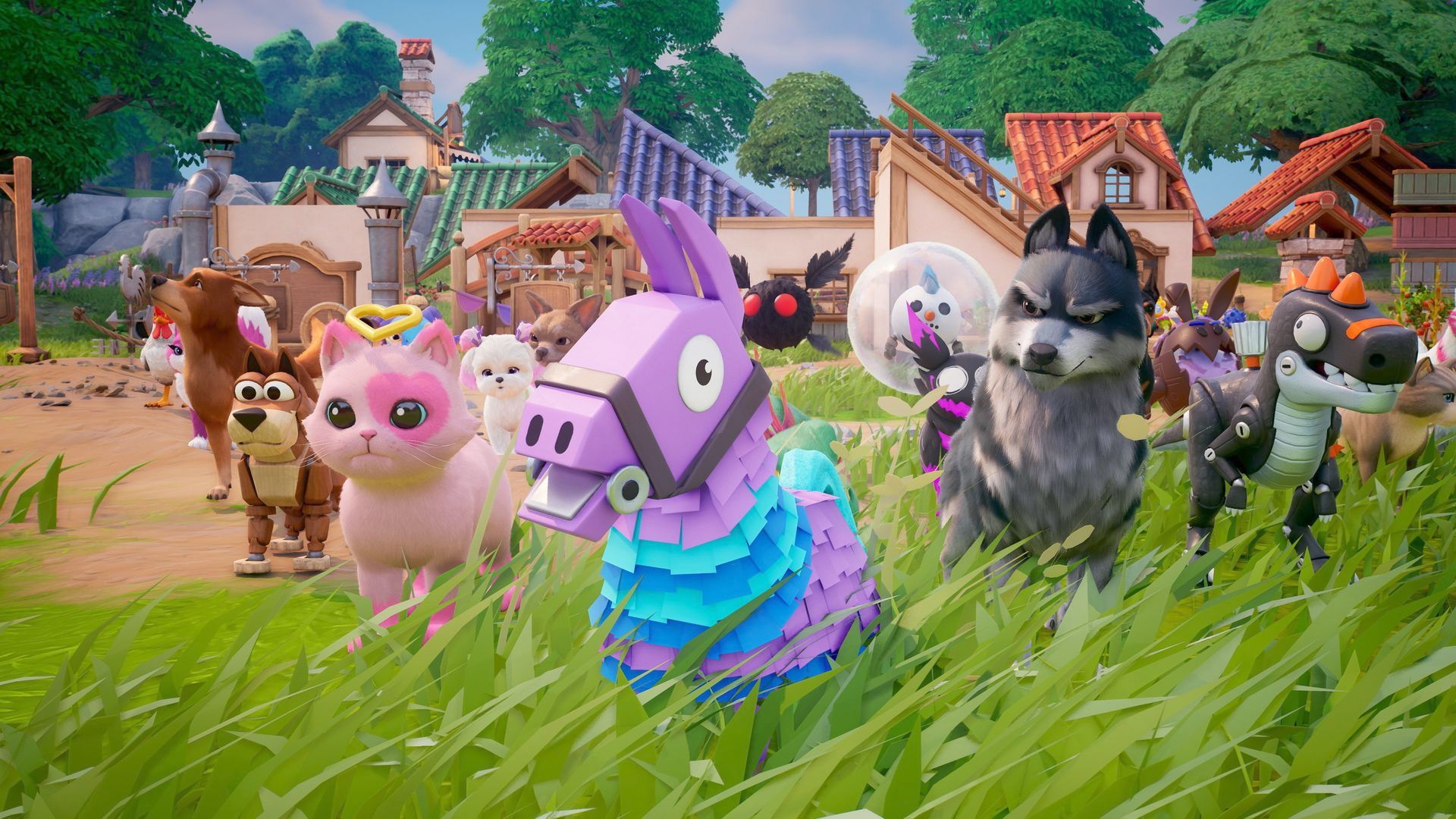
Valve Releases SteamOS So Anyone Can Make A Steam Machine Now
After announcing the release date for the Steam Machine(https://www.gamespot.com/articles/steam-machine-price-and-release-date-officially-confirmed-by-valve/) earlier this week, Valve sneakily also confirmed that the latest version of its Linux-based operating system, SteamOS 3.8, would be the first to be available for download for all hardware configurations, letting you turn your existing desktop into your own Steam Machine(https://www.gamespot.com/articles/the-steam-machine-has-already-lost-is-biggest-advantage-before-launch/). SteamOS 3.8 is out now(https://help.steampowered.com/en/faqs/view/65B4-2AA3-5F37-4227), meaning you can download the official operating system image and try it out for yourself. For now, you will have to be using an AMD graphics card as Valve continues to work on Nvidia support for an official release in 2027. Your first step is creating a bootable device with a USB stick and your downloaded image of SteamOS, which you can do in the following ways: - Windows:Use the Rufus utility(https://steamcommunity.com/linkfilter/?u=https%3A%2F%2Frufus.ie%2Fen%2F). Select the SteamOS file and write it to your USB drive (this will format your USB drive). - MacOS/ Linux:You can use Balena Etcher(https://steamcommunity.com/linkfilter/?u=https%3A%2F%2Fwww.balena.io%2Fetcher%2F) to write the SteamOS file to your USB drive. When you boot into SteamOS for the first time, you'll land on a desktop environment. Navigate to the "Re-image Device" option to start the installation, after which your machine will reboot. Note that you will need to disable Secure Boot to install SteamOS, which you'll need to do in the BIOS. You can find where this is located in the documentation for your respective motherboard maker. After those few steps you'll be up and running SteamOS, giving you an identical living-room PC experience to the Steam Machine. Valve notes that discrete AMD GPU support is still technically in beta, so expect updates to come in thick and fast after the next few weeks. But given how much work has been done to prepare for the Steam Machine, never mind the years of development on the Steam Deck, you can probably rely on it being stable enough for daily use. It is, however, always a good idea to keep a backup of your current operating system (on an entirely different drive) in case you run into issues. The Steam Machine goes on sale on June 30 exclusively through Steam, with Valve deploying a new method for orders(https://www.gamespot.com/articles/steam-machines-preorder-process-is-a-response-to-longstanding-disasters/) that should hopefully avoid the same issues that plagued the launch of the Steam Controller.
 🖥 PC, Multi-platform
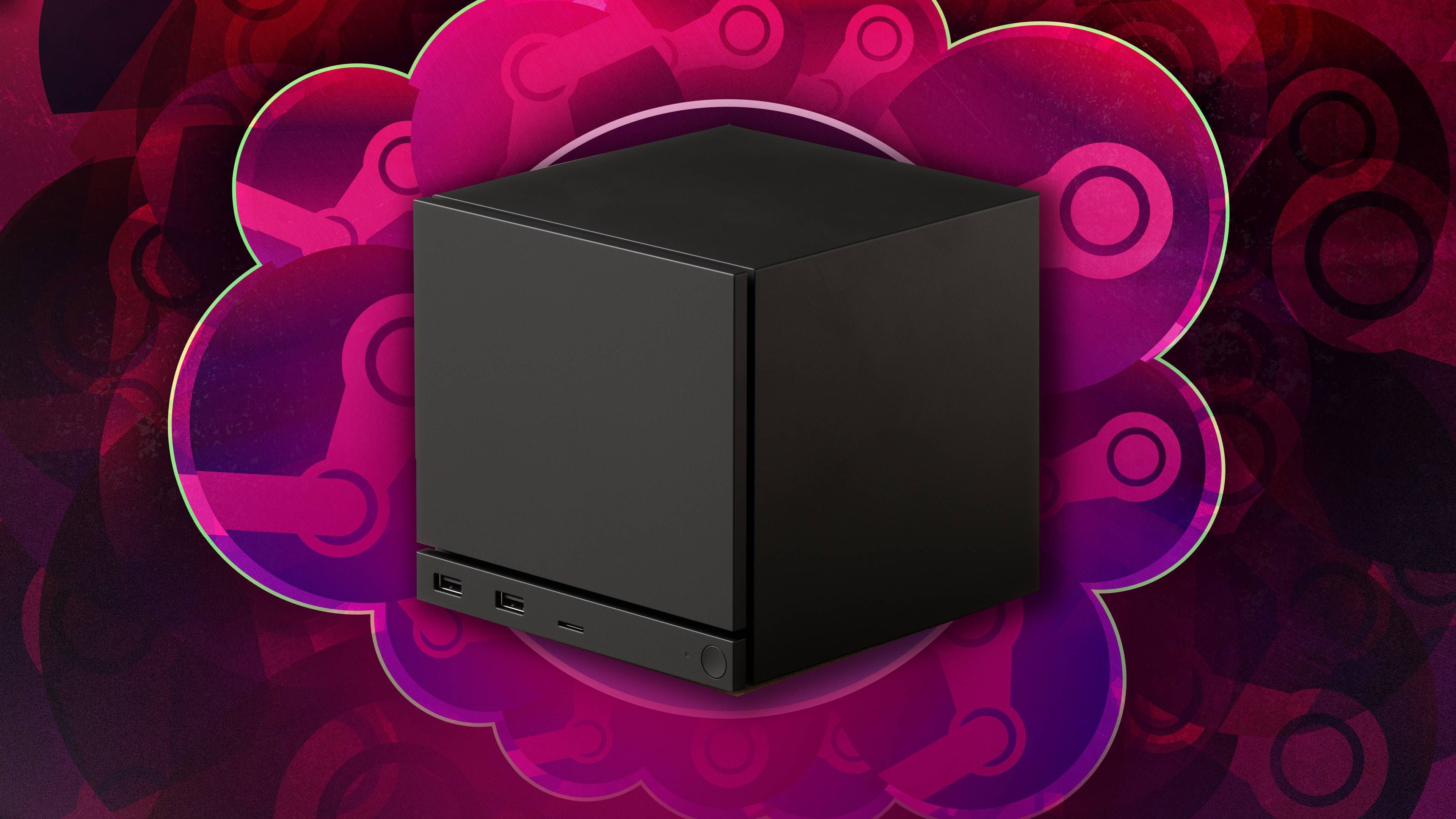
Neopets are back and coming to Fortnite
Epic Games reveals that Neopets are coming to Fortnite in July in Sidekick pet form.
 🖥 Xbox, PC, Multi-platform
Steam Machine questions, answered: a crash course on Valve's new gaming console
If you're new to PC gaming, here's a crash course on the Steam Machine and how it differs from a traditional video game console.
 🖥 PC, Multi-platform
Valve Was Forced Into Making A Weird Hardware Decision With Steam Machine
Valve's Steam Machine is finally launching next week(https://www.gamespot.com/articles/steam-machine-price-and-release-date-officially-confirmed-by-valve/), but the journey to this point hasn't been easy. The living-room PC has found itself at the center of an ongoing RAM crisis--one that has forced Valve to turn every Steam Machine into a little bit of a memory lottery if you do happen to get one. Regardless of which Steam Machine you decide to purchase, each one will ship with 16GB of RAM. You can, however, get one of two configurations: either two sticks of 8GB each, or a single 16GB stick. If you're familiar with PC gaming, you'll likely see the issue. A single stick of RAM will limit those Steam Machines to single-channel memory speeds, which can have a negative impact on gaming performance. The lottery was discussed between Gamer's Nexus and a pair of Valve engineers, who were quick to reassure prospective buyers that the difference in performance was negligible. The difference is entirely down to supply issues, with Valve forced to use whatever memory it was able to procure, with suppliers forcing the company to take what stock it had, at whatever price it was selling it at, or "never hear from them again." https://www.youtube.com/watch?v=66QzlDewigE&t=2270s It's a grim reflection of the state of the PC industry, but also creates some differentiation between Steam Machines that you won't be able to discern at checkout. The only upside to getting stuck with a single stick is that you have a free slot ready for an upgrade, which might have been an advantage if not for the price you'd need to pay for it. There haven't been extensive tests yet showing whether or not the different SKUs impact gaming performance in a meaningful way (Gamer's Nexus says it plans to conduct its own tests in the future), but given how tricky it's going to be to get a Steam Machine with Valve's new preorder system(https://www.gamespot.com/articles/steam-machines-preorder-process-is-a-response-to-longstanding-disasters/), you won't really have a choice but to accept what you get.
 🖥 PC, Multi-platform
Steam Machine is 'more expensive' than even Valve wanted it to be
The PC gaming giant knows some fans won't be able to afford its new system, but Valve didn't want things to work out this way
 🖥 PC, Multi-platform
The Pokémon crisis could be solved by Valve's Steam Machine strategy
After the fiasco surrounding Steam Controller, Valve came up with a special system for Steam Machine preorders meant to stop scalpers
 🖥 PlayStation, PC, Multi-platform
How much would the Steam Machine cost to build?
The Steam Machine is here, with a base price of $1,049. Yes, that's nearly twice the price of a PS5, but what you're buying here isn't a console but a full-on PC - and a tiny one at that. Valve says it's selling the Steam Machine basically at cost. So we asked ourselves: What would &8230;
 🖥 PC, Multi-platform
Valve confirms it’s working with Intel and Nvidia on SteamOS for more GPUs
MSI's Intel-powered Claw gaming handhelds have so far mostly been Windows machines, meaning that anyone who picks one up has to deal with the crusty experience that is Windows on a handheld gaming PC. But now, both Valve and Intel tell The Verge that they're working with each other, and people like YouTuber ETA Prime &8230;
 🖥 Steam Deck, PC, Multi-platform
I’m not giving up my Steam Deck for MSI’s new Claw
This is not a review of the MSI Claw 8 EX AI Plus, the first gaming handheld available with Intel's new Arc G3 Extreme handheld gaming chip. Now that my colleague Sean Hollister is done reviewing the Steam Machine, I'll let him go deep on the new Claw at some point in the future. This &8230;
 🖥 PC, Multi-platform
Best custom Meccha Chameleon maps
A list of the best Meccha Chameleon custom maps to add to your random rotation.